
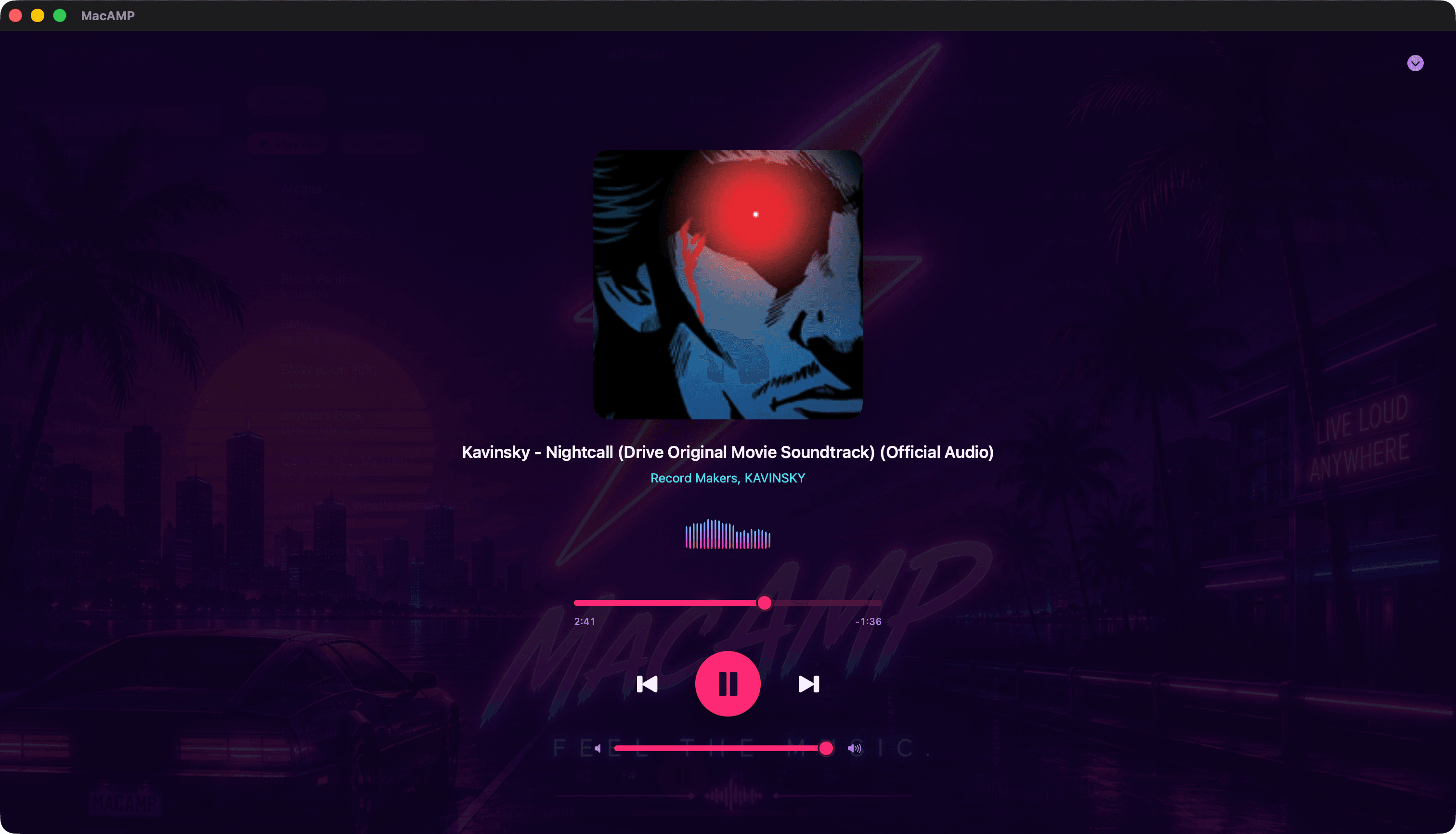
Album-art theming
MacAMP pulls the accent colours out of the artwork that’s playing and tints the player bar, the buttons and the scrubber with them. Change the song and the colours ease over. It’s subtle in the main window and properly dramatic in full-window Now Playing.
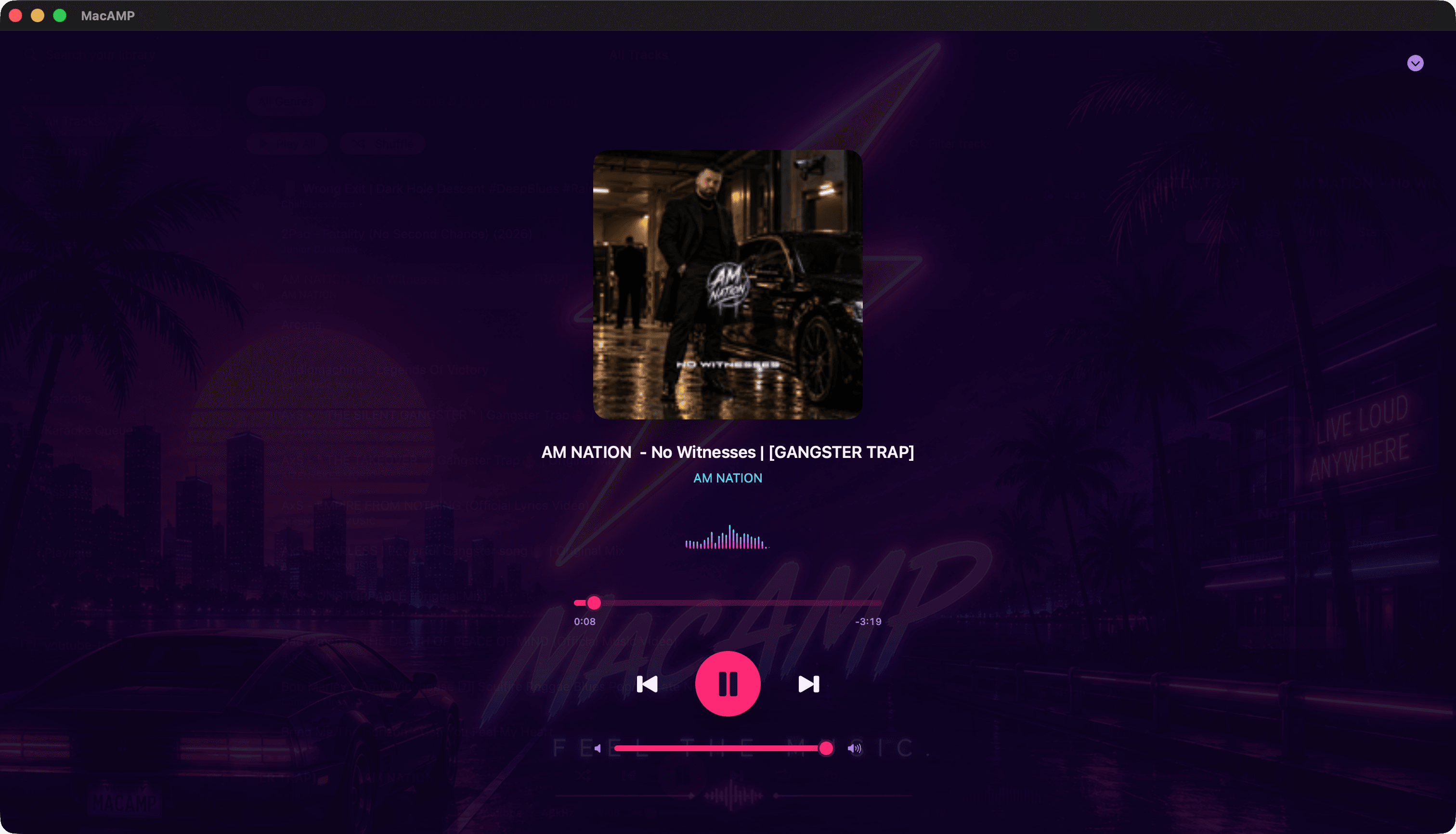
Gapless, and loudness under control
Live albums and DJ mixes play exactly as they were mastered, with no gap between tracks. ReplayGain (track or album mode) keeps one quiet record from making you lunge for the volume when the next loud one starts.
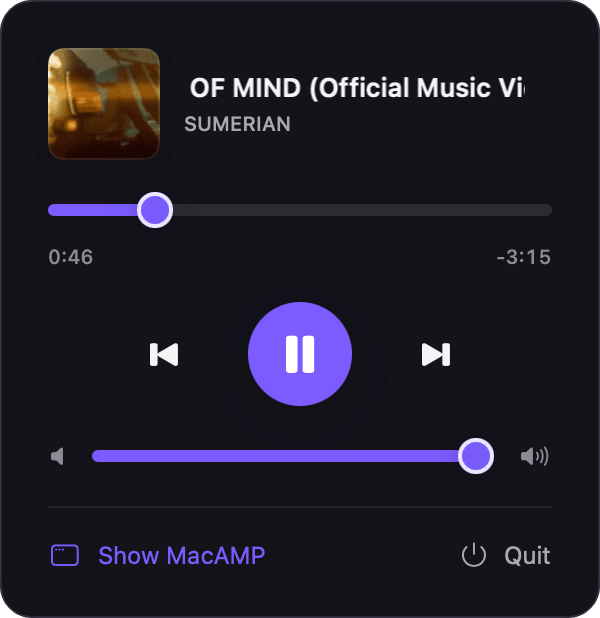
The mini player
A music note lives in your menu bar. Click it for artwork, the scrubber, transport and volume, even with the main window closed.
A spectrum that dances
A compact visualizer sits in the player bar and in the expanded view. Click it to cycle through bars, oscilloscope, particles and aurora. It’s drawn with Metal and pauses itself when it’s hidden, so it doesn’t burn battery.
Keyboard first
| Keys | Does |
|---|---|
| Space | Play or pause |
| ⌘ → / ⌘ ← | Next or previous track |
| ← / → | Seek 5 seconds |
| ↑ / ↓ | Volume up or down 5% |
| Media keys | Play, pause, next, previous |
The bare arrow keys step aside when you’re typing in a field or moving through a list, so they never fight with you.
The queue
Play Next and Add to Queue from any right-click menu. The Queue view shows what’s coming and lets you reorder it. With Resume on Launch on, MacAMP reopens on the same track at the same second.